Guides and SurveysMay 20, 2026
Trigger Delay for Guides and Surveys
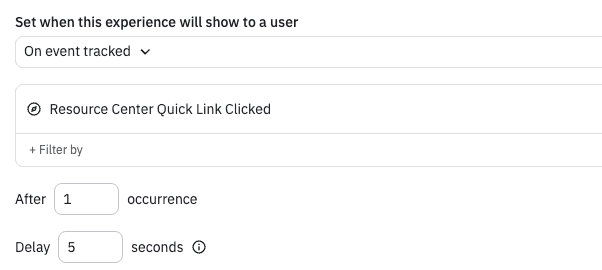
Guides and Surveys offers different trigger types like "On event tracked". Now you can delay the appearance of the guide after the event happens by using the new "Delay" option.
What it is
Description You can now delay when a guide or survey appears after a trigger fires. Instead of showing immediately on an event, set a delay of a few seconds so the timing feels natural for your users.
Where: Access via Guides and Surveys → trigger settings → combine any trigger type with the new Delay option.
When: Available now on all plans.