How to Balance Inference Cost and User Experience for Agents
We calculated the exact impact of using a cheaper model on user engagement and conversion and were surprised by the results. Agent Analytics is now in beta.

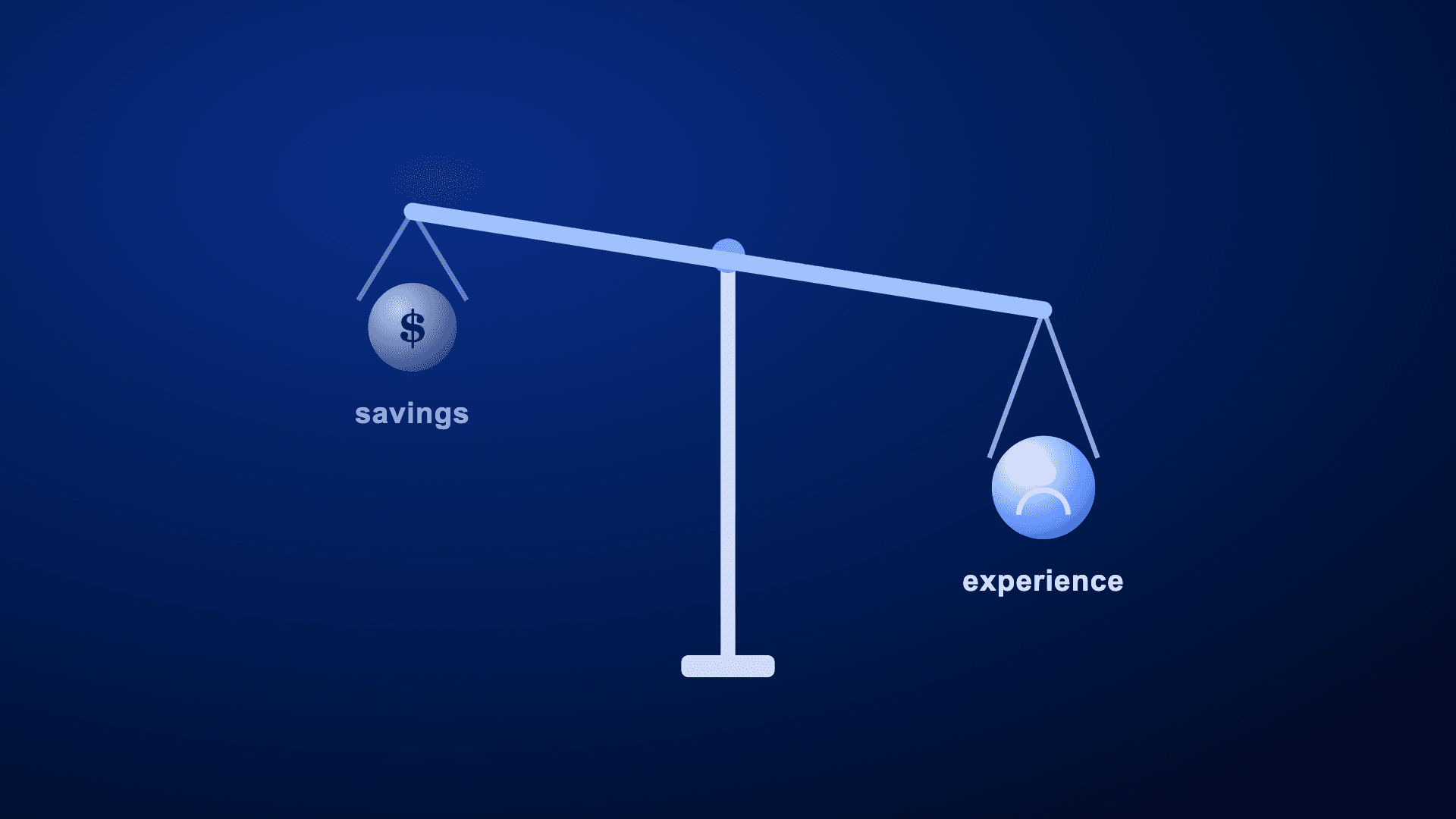
If you run an AI feature in production, you’re probably asking the same question roughly every month: Is there a cheaper or better model we should be on?
Vendor benchmarks select for the workloads the vendor wants to win. None of them tell you what happens to conversion, retention, or cost when you make the swap for half your users. We hit this exact wall with our own agent.
We wanted to measure exactly how user experience would change when we switched to cheaper models and whether we should do it. This is the story of how we made that call in three days.
We’ve spent over a decade helping teams understand user behavior, so when we shipped our own AI agent, we expected to be able to measure it. We couldn’t. LLM observability tools and product analytics couldn’t tell us whether the agent gave users a good answer, why it failed when it did, or whether a bad session cost us a customer thirty days later. So we built the thing that could: Agent Analytics.
The exact impact of switching to Gemini
This spring, the team behind Global Agent (our in-product agent harness) wanted to answer one question: Could we replace Claude Sonnet 4.6 in production with Google’s Gemini 3 Flash, keep the same quality, and pay a fraction of the price? The goal was to cut costs without making the experience worse.
On paper, it looked obvious. Gemini 3 Flash is priced at roughly one-sixth the input cost and one-fifth the output cost of Sonnet, a per-token reduction of 5–6x. Our offline eval read was encouraging. If it held up in production, we’d get Sonnet-class answers at a fifth of the price.
So we tested it on real traffic. We ran a controlled experiment measuring session cost, end-to-end response latency, messages per user, and downstream conversion. Amplitude Feature Experimentation helped us target specific cohorts, exclude internal users, and hold the result to a statistical significance guardrail.
|
Metric |
Sonnet 4.6 (Control) |
Gemini 3 Flash (Treatment) |
Change |
|---|---|---|---|
|
Session cost per active user |
$4.88 |
$2.33 |
-52.3% |
|
Average response latency |
63.8s |
119.7s |
+87.7% |
|
Average number of messages per user |
5.95 |
5.36 |
-10% |
|
Agent conversion to a qualifying valuable action |
29.98% |
30.42% |
Flat |
The good news was that session cost dropped from $4.88 to $2.33 per active chat user, already net of token efficiency, retries, and tool-call overhead, and conversion stayed roughly flat.
Let’s take a moment to cover our custom definition of conversion. In this instance, it refers to the percentage of users who sent a message to Global Agent and then completed a “qualifying valuable action” on the same day. These break down into two types of actions:
- Implicit (the user used the output): viewed, saved, or copied the agent’s response
- Explicit (the user acted on it): clicked a link or CTA surfaced inside the chat
Amplitude’s Behavioral Graph makes it easy for us to define a custom event that serves as a proxy for whether the agent chat interaction led to meaningful downstream product usage. The metric was set up as a guardrail (not the primary success metric), so the team monitored it to ensure Gemini Flash didn’t hurt downstream value creation, even if it wasn’t expected to improve it.
On the two numbers most teams would check (price and conversion), the cheaper model passed. The bad news was how people actually used it. Response time went from 63.8 to 119.7 seconds, and users on the cheaper model sent 10% fewer messages. The answers were just as good, but Gemini wasn’t orchestrating tool calls as efficiently, and the extra wait was enough that people engaged less.
Interestingly, conversion did not decline because there were several ways a user could convert in this experiment and still find the agent valuable. Each agent interaction can mean different things to different users. By combining these high-value actions, we can demonstrate how the agent meets all our users, wherever they are, and helps them succeed. This way, we’re not looking at conversion through a small lens of just one action (say, chart creation).
If conversion had gone up, we would have shipped the cheaper model and taken the latency hit. The experiment told us exactly what the swap would influence. Conversion didn’t change, but users on the cheaper model sent 10% fewer messages so we decided to hold off on the model swap at this time and make up for cost savings in other ways.
Often teams don’t get to make this call on evidence. They take the cheaper model and learn the effects later, or they leave the savings untouched because they can’t prove it’s safe to move. With Agent Analytics, we could see exactly what either choice would do.
What makes this analysis possible
If we only focused on offline evals, we would have missed out on a lot of factors that went into our final decision. We needed the cost vs. latency tradeoff for the production query mix. We also had to learn how real users react to slower responses, whether session counts stay flat or drop, whether negative feedback rates change, and whether the token efficiency gap translates 1:1 into a latency gap.
Agent Analytics instruments every AI session with the metrics that actually move a model decision: per-session cost in dollars, end-to-end latency in milliseconds, token usage, tool call counts, error rates, and negative feedback flags. They come with the instrumentation, and they live as queryable metrics next to the rest of your product data.
Experimentation runs the controlled rollout on the same data: targeting, splits, sequential testing, multiple comparison correction, and variance reduction. The same cost and latency metrics from Agent Analytics appear as primary and guardrail metrics in the experiment.
With Agent Analytics, AI session data and product behavior share one user identity and one event stream. Neither a model provider nor an observability tool can get there alone. The model provider has no downstream user data, and the observability tool has no product analytics.
From traces to revenue in one place
The model swap is only one example of what Agent Analytics does. We think about its capabilities across four stages:
- Observe: Capture end-to-end traces with every prompt, turn, tool call, and context retrieval, plus latency and cost per session. When something looks wrong, jump from the trace to Session Replay at the exact moment the agent started failing.
- Evaluate: Score every production interaction with code-based checks for exact rules and LLM-as-a-judge for subjective quality. Catch regressions before they become systemic, and build a failure taxonomy from what you actually observe instead of vibe checks.
- Quantify: Tie sentiment, errors, topics, cost, and latency back to the rest of the user journey. This is where you answer the questions no eval tool can: Did the new model improve sign-up conversion? Which failure modes hurt retention most? What do users do after a poor agent response?
- Deploy: Roll out improvements with the experimentation suite, target behavioral guides to the users who need them, and measure the impact in the same place.
Most teams start with tracing and telemetry, just seeing what happened. Assertions and evals come next: Did it do the job correctly? Above that sits semantic intelligence (what the agent actually does across many runs) and behavioral analytics (how agent usage shapes the user journey). The top of the curve is revenue attribution, or what the AI is actually worth in dollars. The model swap above is a revenue attribution question answered with every layer underneath it, in one platform.
So what are the pieces that make this work?
- Performance monitoring is the surface the model experiment ran on. Compare models by cost, latency, error rate, and reliability, and see whether a cheaper model holds up on product outcomes.
- Traces give you the full record of a run, with one-click navigation to Session Replay.
- Evals ship with templates and support custom code-based or LLM-as-a-judge scoring.
- Semantic filtering isolates sessions by task success, technical failures, tool-call issues, or semantic matches, and lets you drill into any cohort, such as your power users.
- Datasets and runs make analysis repeatable. Define a slice of agent activity (one model, one product surface, or one user segment) and execute checks against it on a schedule.
- Human review lets the whole team annotate sessions, classify topics and errors, and close tickets from a finding.
If you already run LangSmith, Braintrust, Langfuse, or another eval and tracing stack, keep it. Those tools are great for offline evals and engineering tests. But production traces should live in your product analytics tool so you can easily blend evals with user behavior.
That’s what Agent Analytics solves today. It adds the layer that other eval tools can’t reach (identity, cohorts, journeys, replays, experimentation, and activation), so you can connect agent quality to product and business outcomes.
Now in beta
Agent Analytics is in beta. It started as the unglamorous work of making our own agent better, then went through a Partner Design Program where design partners pushed on it against their own production agents and shaped what it became.
We’ve been writing about what we found along the way: the eval signal that predicted 3x better retention for new users who had a clean first session and saved an artifact, how people actually use agents, and what changed when we shipped Global Agent at a 76% offline pass rate and then hit the ceiling of offline evals. The model decision in this post is the newest entry in that same line of work.
If you’re shipping an agent and can’t yet answer what it’s worth, you can get in line early. We’re collecting the waitlist now and will reach out as we open access ahead of general availability.
Join the waitlist and learn more about Agent Analytics. Stop shipping on vibes. Start measuring what your AI is worth.

Darshil Gandhi
Director, Product Marketing, Amplitude
Darshil Gandhi is a Director of Product Marketing at Amplitude looking after product and partner launches. He was previously a solutions engineering team principal, helping dozens of Amplitude customers turn data into actionable insights. Darshil graduated from Dartmouth College with a Masters in Engineering Management.
More from DarshilRecommended Reading

Beyond Last-Touch Attribution: Find Out Which Interactions Really Matter
Jun 25, 2026
3 min read

Agent Connectors Are Better Together
Jun 24, 2026
6 min read

Agents That Act on What Actually Happened
Jun 23, 2026
5 min read

Migrating Analytics Platforms Without The Chaos
Jun 22, 2026
9 min read